
Reference

The blitzmania App — Lobby in Your Pocket

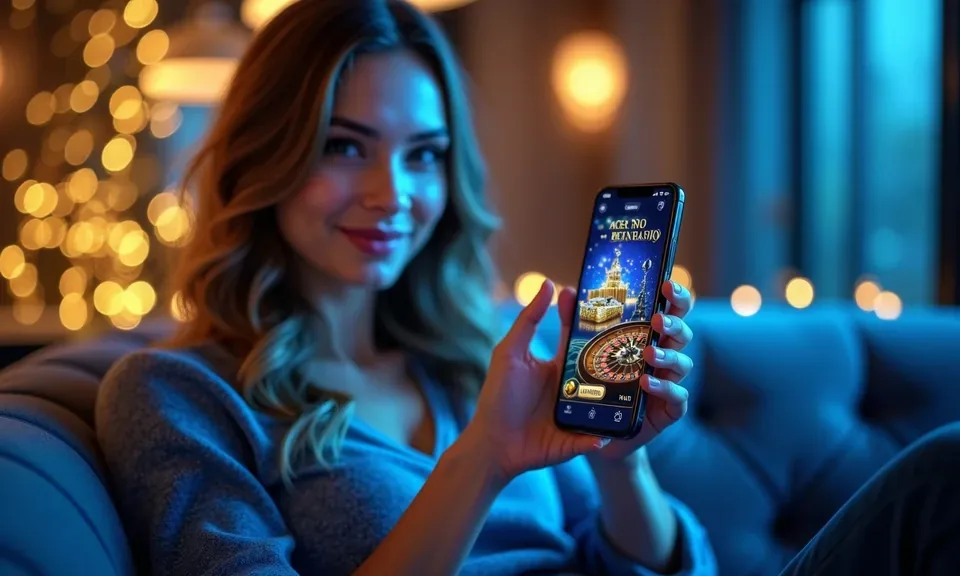
blitzmania runs cleanly through your mobile browser — no waiting on an app store, no storage juggling. Pull up the lobby on your phone, verify your account, and you're into slots, live dealer tables, and NFL betting lines wherever state law permits.

mobile browser accessaccount login on any deviceavailability depends on state lawno install requiredquick account load
blitzmania The blitzmania App — Lobby in Your Pocket
blitzmania Slots, Live Tables, and Your Betslip — All on the Go

Slots, Live Tables, and Your Betslip — All on the Go

Open blitzmania on your phone and the full lobby loads without cutting corners. Slot rooms like Vault Wilds and Liberty Crash render at the same quality you'd expect on desktop. Live dealer tables — Speed Roulette, blackjack — stream in real time through your browser with no lag worth mentioning. The betslip travels with you, so you can place an NFL same-game

parlay or lock in a player prop between quarters without switching devices. Quick-deposit access sits one tap from the lobby screen, and push notifications keep you posted when a session ends or a payout clears. Fingerprint login cuts the password step entirely on supported devices.
Four Things the Mobile Experience Gets Right

The blitzmania mobile experience is shaped around speed and low friction — the kind of access that matters when you're checking a live score or stepping away from the TV for two minutes. Each feature below is active through your mobile browser session, no native install needed.

Fingerprint Login

Skip the password on supported Android and iOS devices. Enable biometric access in your account security settings and get into the lobby with one touch.

Push Notifications

Allow browser notifications and we'll flag payout updates, session timeouts, and promo board changes so you don't have to keep the tab open.

Dark Mode Layout

The mobile interface shifts to a dark color scheme automatically when your device is set to dark mode — easier on the eyes during late-night sessions.

Offline Lobby Preview

Lost your connection mid-session? The lobby preview caches recently visited game tiles so you can browse titles and return quickly once signal restores.

What Devices and Browsers Work with blitzmania

Browser-based access means compatibility is broad, but a few conditions matter for the experience to hold up. Check each point below against your current setup before you start a session — especially if you're on an older device or a less common browser.

Mobile BrowsersChrome (Android) and Safari (iOS) are the primary supported browsers. Firefox mobile works for most pages; less common browsers may show layout gaps on live dealer streams.
Screen LayoutThe lobby is optimized for screens 5 inches and above in portrait mode. Landscape works for game play but the navigation bar collapses — use portrait for account and cashier screens.
Account RequirementsYour account must be verified before you can deposit or withdraw on mobile. Identity verification is a one-time step completed in account settings — have a valid ID ready.
Checking Supported DevicesIf a game or feature isn't loading as expected, check the device support page in your account help center. Some Pragmatic Play live titles require a stable 4G or Wi-Fi connection to stream without drops.
State EligibilityAccess to real-money play depends on local state law. The site checks your location at login — if your state is not currently eligible, account creation is paused until that changes.
blitzmania Mobile Access in 3 Steps

Mobile Access in 3 Steps

There is no APK to sideload and no app-store listing to hunt for — blitzmania runs through your mobile browser, which means setup is just opening a tab. Follow these three steps and you'll be in the lobby faster than most installs would take. Players in Las Vegas and other eligible states can complete all three steps in under two minutes on

a standard mobile connection. Access depends on whether your state currently permits online gaming under local law.

  • Open the current site — Type blitzmania into your mobile browser or tap a saved bookmark. The site detects your screen size and loads the mobile layout automatically.
  • Check browser compatibility — Chrome and Safari on current Android and iOS builds work without extra steps. If your browser prompts a security check, allow the connection and reload — the SSL handshake is standard.
  • Sign in securely — Enter your credentials or use fingerprint login if you've enabled biometric access. First-time account setup runs through the same identity verification flow as desktop — take two minutes to complete it once.
  • Add the site to your home screen — Use your browser's 'Add to Home Screen' option to pin blitzmania as a shortcut. It opens full-screen on the next tap, without the browser toolbar taking up space.

Common Questions About the blitzmania App

These are the questions we hear most from people setting up mobile access for the first time. If something specific isn't covered here, our live chat support can walk you through it during supported hours.

At this time, blitzmania operates through your mobile browser rather than a dedicated app-store listing. Check our site for updates — a native build may be added in eligible states as availability expands.

Yes. Enable biometric login in your account security settings. Once active, your device's fingerprint or face ID replaces the password step on supported Android and iOS builds.

The mobile layout reorganizes the lobby for a vertical screen — game tiles stack in two columns, the navigation bar moves to the bottom, and the betslip collapses until you open it. Core features are the same.

Slots like Vault Wilds and Blue Ridge Bingo load fast on mobile. Live dealer streams from Evolution and Pragmatic Play need a solid 4G or Wi-Fi connection. NFL sportsbook and player props work on any stable connection.

When you first visit in your mobile browser, allow notifications when prompted. You can also enable them later in your browser's site settings. We send payout confirmations and session alerts — not constant marketing pings.

Clear your browser cache first, then reload. If the issue continues, switch from Wi-Fi to mobile data or try Chrome if you're on Safari. Our account help center lists known browser issues and current workarounds.
Reference

blitzmania App

Service availability depends on eligible states and local law. US online casino and sportsbook access is licensed state by state, so check your state's rules before opening an account. 21+ where applicable.

Access may be available only in states where local law permits.